Best Calorie Counter App: How to Choose the One You Will Actually Use
Most people do not quit tracking their food because the app was bad. They quit because logging a meal took too long, the food they ate was not in the database, or the app made them feel guilty instead of informed. That is why the question behind the best calorie counter app is not really “which app has the most features?” It is “which app will I still be opening in three weeks?” An app with a smaller feature list that you actually use will teach you far more about your eating than a powerful app that sits untouched on your phone.
This guide walks through what these apps do, which features genuinely matter, how free and paid versions differ, and how to choose one that fits your routine. No single app is the right answer for everyone, and this guide does not rank or review specific products. Instead, it gives you a way to judge any app for yourself, so the one you pick is the one you will keep using.
What a Calorie Counter App Actually Does
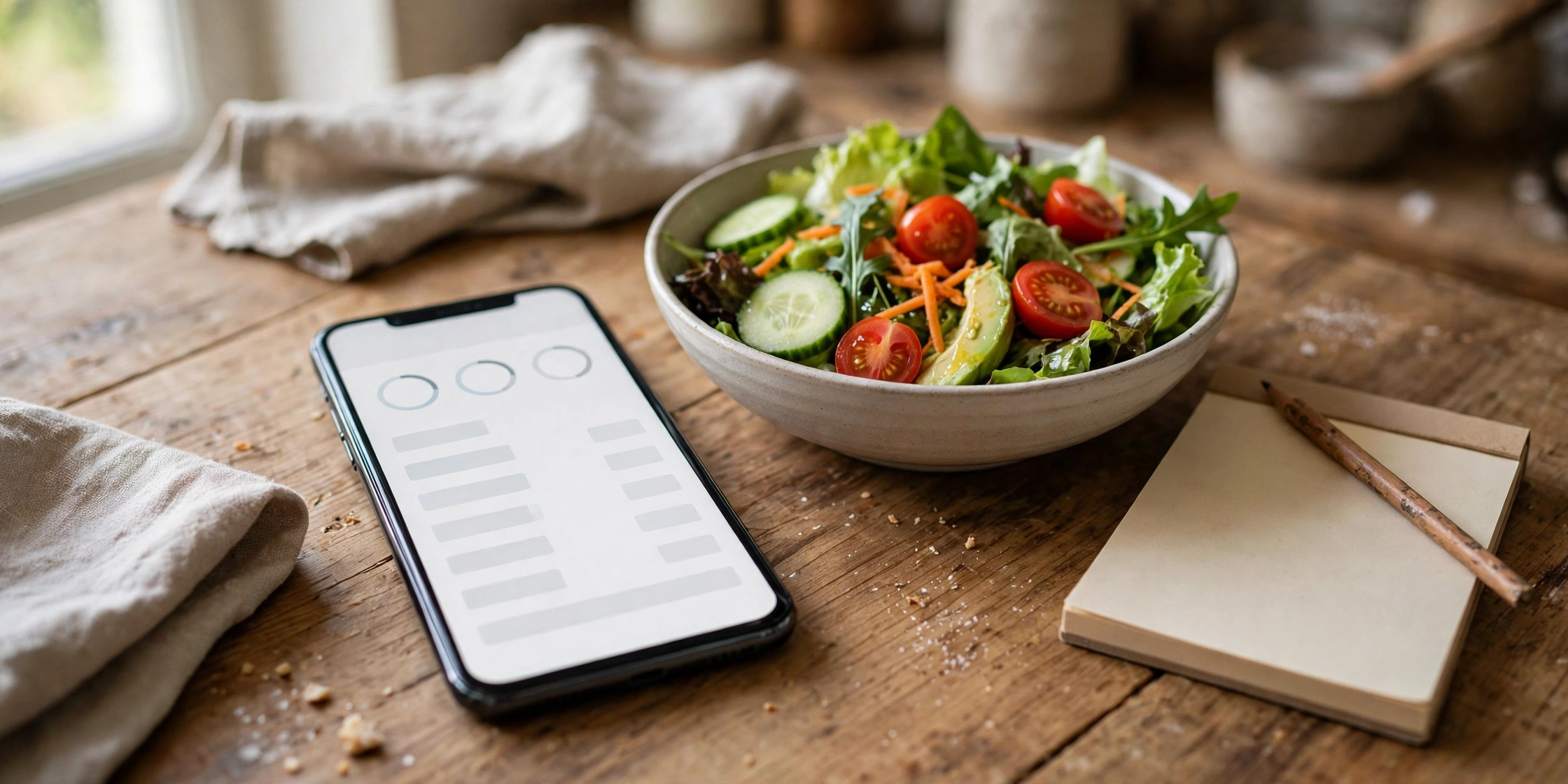
At its simplest, a calorie counter app is a food diary that does the arithmetic for you. You log what you eat and drink, the app looks up each item in its food database, and it adds up the day’s total. Most apps also track the main nutrients — protein, fat, and carbohydrate — and many let you set a daily target based on your age, weight, height, and activity level.
Beyond the diary, most apps offer a barcode scanner, so you can scan a packaged food instead of searching for it by name. Many let you save meals you eat often, create recipes from ingredients, and copy a whole day’s log to another day. Some connect to a fitness tracker or a smartwatch and pull in your activity, and some add weight tracking, water tracking, and reminders.
The best calorie counter app for you is the one that makes this daily logging as quick and as painless as possible. That means a food database that covers the foods you actually eat, a search that finds them fast, and a way to log a meal in under a minute. Everything else — the charts, the streaks, the social features — is secondary to that one job. That is the test every best calorie counter app has to pass: can it log a real meal in under a minute?
A note on targets: the daily target an app suggests is a starting estimate, not a prescription. Calorie and nutrient needs vary from person to person, and they change with activity, health, and goals. If you have a health condition, are managing your weight for medical reasons, or are unsure what target fits you, a doctor or a registered dietitian can help you set one. An app is a tracking tool, not a source of medical advice.
Features That Matter Most
Food database size gets the most attention in app comparisons, and it matters — but only if the database covers your food. A huge database full of restaurant chains you never visit is less useful than a smaller one that knows your local supermarket’s own-brand products and the meals you cook at home. When you test an app, search for five foods you ate this week, including a homemade meal, and see how quickly you find them.
Barcode scanning is the feature that saves the most time day to day. Scanning a packet takes seconds, while typing a product name and picking from a long list takes much longer. Check that the scanner works in a dim kitchen and that it recognises the products you buy most often. When you test a best calorie counter app, scan five products you buy every week and count how many it recognises — a scanner that misses your regular foods is not saving you time.
Speed of logging is the feature you will feel every day. Can you log a meal in under a minute? Can you save a meal and log it again tomorrow with one tap? Can you build a recipe once and reuse it? The answers to those questions decide whether you will still be logging in a month, and they matter more than any chart or badge.
Best Calorie Counter App: How to Choose the One You Will Actually Use
Start with your own routine, not with the app store charts. Think about how you eat: do you cook most meals at home, eat out often, or mix the two? Do you eat the same breakfast every day, or something different each morning? Do you want to track every snack, or just your main meals? The best calorie counter app for a person who cooks at home and eats the same breakfast daily is not necessarily the best one for a person who eats out for lunch every day.
Try two or three apps for a few days each, and log real meals rather than test entries. The app that feels easiest on day three is the one to keep. Pay attention to the small frictions: how many taps to log a sandwich, whether the app remembers your usual portion, whether it lets you correct a mistake quickly. Small frictions add up, and they are the reason most people stop logging.
Consider the cost honestly. Many apps are free with advertising and limited features, and a paid version removes the ads and unlocks more tools. A free app that you use daily is better than a paid app that you abandon, so do not assume that paying makes an app better for you. Start free, use it for a couple of weeks, and only pay if there is a specific feature you actually miss. That is also the cheapest way to find the best calorie counter app for you — let two weeks of real use decide, not the app store page.
Free vs Paid: What to Expect
Most calorie counter apps follow the same pattern: a free version with the core diary and a paid version with extra features. The free version usually includes food logging, the barcode scanner, and a basic daily summary. That is enough for most people, and it is the right place to start.
Paid versions typically add things like detailed nutrient breakdowns, ad-free use, custom targets, recipe importing, and advanced reports. Some of these are genuinely useful if you track closely; others are interesting for a week and then forgotten. Before paying, ask yourself which specific feature you need and whether you have actually missed it in the free version. If you cannot name one, you do not need to pay yet.
Common Frustrations — and How to Avoid Them
The most common frustration is the food database. A search returns dozens of entries for the same food, some of them wrong, some of them entered by other users with mistakes. The fix is to build your own library: save the entries you trust, create recipes for meals you cook often, and use the barcode scanner for packaged foods. After a week or two, most of your regular foods should be one tap away. If they are not, the best calorie counter app for someone else may still be the wrong one for you.
The third frustration is the guilt loop. Some apps use red warnings, sad faces, or streak-breaking messages when you go over a target, and that can turn a useful tool into a source of stress. If an app makes you feel bad about eating, that is a design flaw, not a motivation technique. Choose an app that presents information plainly, without judgement, and remember that one day over a target is not a failure — it is one day.
Starting Without Burning Out
The best way to start is slowly. Log one meal a day for the first few days — breakfast is the easiest, because it is often the same each day — and add lunch and dinner once the habit feels natural. Trying to log everything from day one is the fastest route to quitting by day four.
Give yourself a week before you judge the app. The first few days are always slow, because you are building your library of saved foods and recipes. By the second week, logging should take a few minutes a day at most. That is when you know you have found the best calorie counter app for your routine — when logging stops feeling like a task. If it still feels like a chore after two weeks, the problem is probably the app, not you, and it is worth trying a different one.
Pair the app with a simple habit that already exists. Log breakfast while the coffee brews, or log dinner while the food is on the table. Tying logging to something you already do makes it far more likely to stick than relying on willpower or reminders alone. And if you miss a day, just start again the next day — a gap in the diary is not a reason to delete the app. It also helps to think about the meals around the app, not just the numbers inside it. If you want ideas for lighter daytime eating that are easy to log, our guide to healthy snacks for work looks at simple options that travel well and take no preparation. Healthy snacks for work And if you are curious about how a single dish can be lighter or heavier than its reputation suggests, our guide to whether pad thai is healthy is a useful reminder to look at the whole plate, not just the name. Is pad thai healthy?
Frequently Asked Questions About the Best Calorie Counter App
What is the best calorie counter app for beginners?
What is the best calorie counter app for beginners? There is no single answer, because it depends on how you eat and what phone you use. For most beginners, the best choice is a free app with a large food database, a barcode scanner, and quick logging — and the willingness to try two or three apps for a few days each before deciding. The app you find easiest on day three is the one to keep.
Is the best calorie counter app always the one with the biggest food database?
Is the best calorie counter app always the one with the biggest food database? No. A big database only helps if it contains the foods you actually eat. An app with a smaller database that knows your local products and lets you save your own meals can be faster to use than an app with a huge database full of entries you will never need. Test each app with foods from your own kitchen before you decide.
How much does the best calorie counter app cost?
How much does the best calorie counter app cost? Most apps offer a free version that covers daily logging, and a paid version that adds extra features. The free version is enough for most people, and you should only pay if there is a specific paid feature you have actually missed. Watch out for free trials that convert to paid subscriptions, and set a reminder before any trial ends.
Do I need a smartwatch or fitness tracker to use a calorie counter app?
No. A smartwatch or fitness tracker can add activity data, but it is not required. The core job of the app — logging what you eat — works on the phone alone. If you already wear a tracker, connecting it can be useful; if you do not, there is no need to buy one just for the app.
How accurate are calorie counter apps?
The numbers in an app are estimates, not measurements. Food databases contain entries from many sources, portion sizes are often guessed, and homemade meals vary from one cook to the next. The value of an app is in the patterns it shows over weeks — which meals are biggest, where the snacks cluster — rather than in the exact total of any single day.
Should I log every snack and drink?
It helps to log your main meals and your main snacks, but logging every small thing can make the habit feel like a chore. A diary that is mostly complete and still in use is far more useful than a perfect diary you abandon after a week. Log the big things, and let the very small ones go.
The best calorie counter app is not the one with the longest feature list or the highest rating in the app store. It is the one that fits your routine, finds your foods quickly, and lets you log a meal in under a minute — the one you will still be opening in three weeks. Try a few, judge them on real meals, and keep the one that gets out of your way. The app is only a tool; the habit is the point, and the habit only works if the tool is easy enough to use every day.