Best Mouse for Work: How to Pick a Comfortable Mouse
If you spend most of your working day at a computer, the mouse in your hand matters more than most people think. The best mouse for work is not the flashiest one or the one with the most buttons. It is the one that still feels comfortable after six or eight hours, moves exactly where you expect it to, and never gets in your way. A bad mouse announces itself constantly: a wrist that aches by lunch, a cursor that jumps past the button you wanted, or a battery that dies in the middle of a call.
This guide explains how to choose the best mouse for work, whether you sit at a desk in an office, work from a kitchen table at home, or carry a laptop to different places each week. You will learn what comfort really means, how wireless and wired mice compare, what DPI does, which buttons are useful, and which type suits your work.
What Makes the Best Mouse for Work Different
A work mouse lives a different life from a gaming mouse or a cheap travel mouse. It is used for hours at a time, every working day, mostly for the same calm tasks: moving between windows, clicking, selecting text, and scrolling. Speed matters far less than steadiness. That is why the best mouse for work is usually built around comfort and quiet reliability rather than speed, lights, and extra weight.
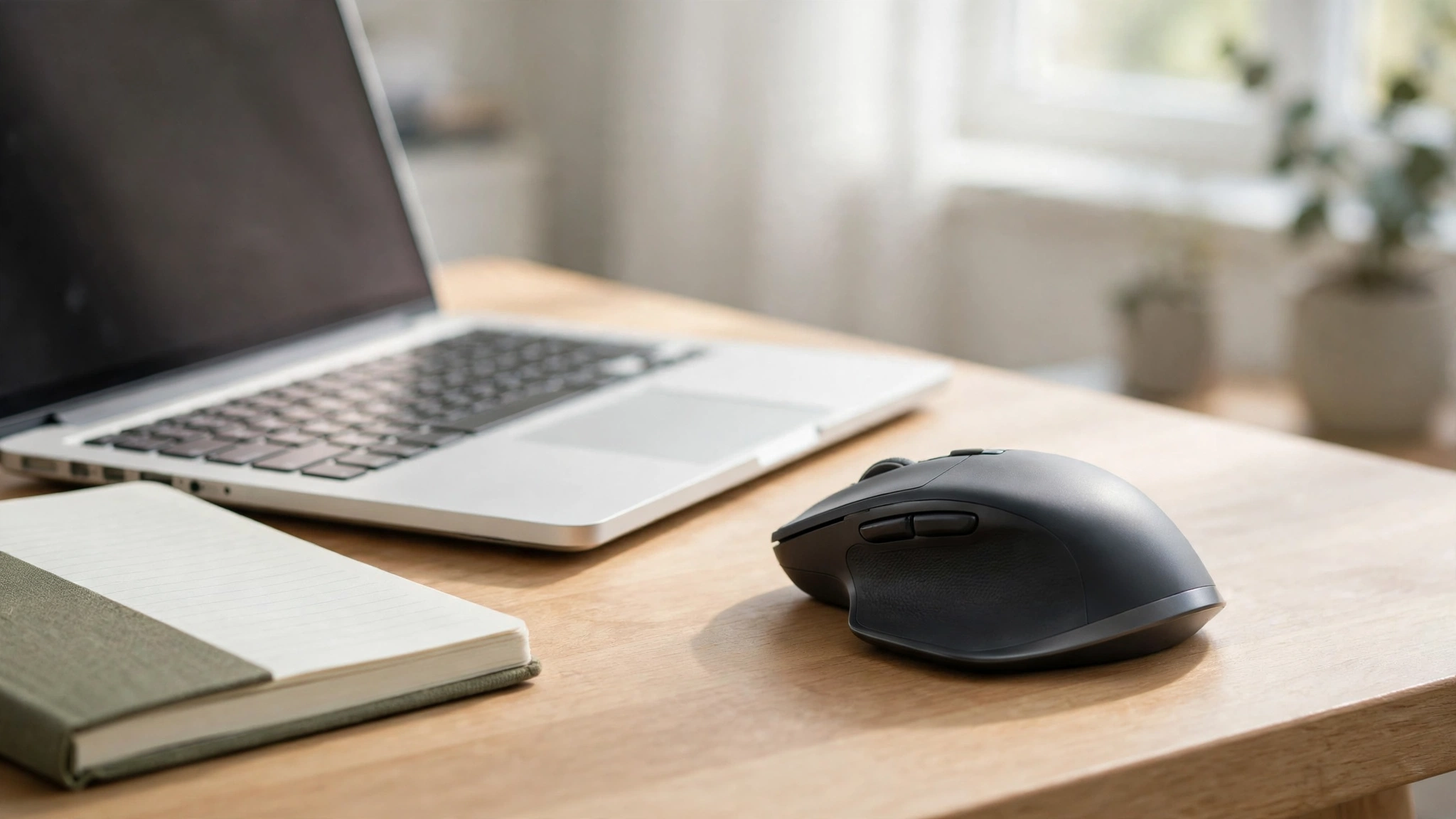
The best mouse for work disappears into your working day. You should not have to think about it. The cursor should go where your hand expects it to go, the buttons should click cleanly without waking anyone nearby, and the shape should let your hand rest in a natural position instead of forcing your wrist into a twist. When a mouse does all of that, you forget it is there, and that is exactly the point.
Comfort and Ergonomics First
Comfort is the first thing to judge when you choose the best mouse for work, because it is the thing you will feel all day. A mouse that looks fine in a shop can still tire your hand after two hours. The shape matters most. A mouse with a gentle curve that fills your palm lets your hand relax, while one that is too flat forces your fingers to hover and grip. If you can, hold the mouse before you buy it, or at least check whether it is made for small, medium, or large hands.
The way your hand rests on the mouse matters as much as its size. Most people use a palm grip, resting the whole hand on the mouse, or a claw grip, with the palm raised and the fingers arched. A larger, fuller mouse suits a palm grip, while a smaller, lighter mouse suits a claw or fingertip grip. Official guidance on computer workstation ergonomics from the Occupational Safety and Health Administration explains why a neutral wrist position matters during long computer sessions.
Wireless or Wired: Which Suits Work Better?
For most people, the best mouse for work is wireless. A wireless mouse keeps the desk tidy, works with a laptop on the move, and connects either through a small USB receiver or through Bluetooth. A receiver connection is simple and reliable: plug it in and the mouse works. Bluetooth avoids using a USB port, which is handy on a slim laptop, and lets you switch the mouse between a laptop and a tablet.
The old worry about wireless mice, that they lag or run out of power at the worst moment, is much smaller than it used to be. Modern wireless mice are responsive enough for any office task, and most warn you well before the battery runs low. Many now charge through a standard USB cable, and some run for weeks or months on a single charge. If you choose a wireless mouse, check how it charges and how long the battery lasts, and keep the cable somewhere handy.
A wired mouse still has its place: it never needs charging and is usually cheaper. If you work at one desk all day and your computer sits beside you, a wired mouse is perfectly good. The cable can be a nuisance if you move around, but a simple cable clip solves most of that. For a fixed desk, wired is fine. For a laptop you carry around, wireless is usually the better fit.
DPI and Sensitivity, Explained Simply
DPI stands for dots per inch, and it is simply a measure of how far the cursor moves when you move the mouse. A higher DPI means the cursor travels further for the same hand movement, and a lower DPI means you move your hand more to cross the screen. For office work, you do not need a very high DPI. A setting around 1000 to 2000 DPI suits most people: fast enough to cross the screen, slow enough to land precisely on small buttons.
Many mice have a button that changes the DPI on the fly. You might use a lower DPI for careful work, such as selecting text in a spreadsheet, and a higher DPI for sweeping across a wide monitor. If you use a very large or high-resolution screen, a higher DPI helps, because the cursor has more pixels to cross. When you are choosing the best mouse for work, look for one with adjustable DPI rather than the highest number on the box.
Buttons, Scroll Wheel and Silent Clicks
Most work mice have two main buttons and a scroll wheel, and that is enough for most people. Extra buttons can be genuinely useful, though. Side buttons for going back and forward in a browser are the most useful extra on the best mouse for work, and they save a surprising amount of time over a day. But buttons you never press are just clutter, so think about what you actually do all day before paying for a mouse covered in them.
The scroll wheel deserves more attention than it usually gets. You will use it constantly: scrolling through documents, web pages, and long email threads. A good wheel turns smoothly, with clear small steps so you can stop exactly where you want. Some wheels tilt sideways for horizontal scrolling, and some switch between stepped and free-spinning modes for long documents. Try the wheel if you can, because a stiff or rattly wheel becomes irritating very quickly.
Silent clicks are worth looking for if you work near other people. Many modern work mice use quieter switches that make a soft tap instead of a sharp click. The difference is small on its own, but in a shared office or a quiet house it adds up. If you take calls while working, quieter clicks also mean less noise picked up by your microphone.
Size and Grip: Match the Mouse to Your Hand
Mouse sizes are usually described as small, medium, or large, and the right size depends on your hand. A mouse that is too small forces your fingers to curl tightly and your palm to drag on the desk. A mouse that is too big stretches your fingers and makes the buttons hard to reach. As a rough guide, if your hand is about 17 cm from wrist to fingertip or shorter, a small or medium mouse usually fits. If your hand is longer than about 19 cm, a large mouse is usually more comfortable.
Your grip style matters too when you are picking the best mouse for work. With a palm grip, your whole hand rests on the mouse, so a longer, fuller shape works best. With a claw grip, your palm is raised and only your fingertips touch the buttons, so a shorter mouse with a higher arch suits you. With a fingertip grip, only your fingertips touch the mouse at all, so a small, light mouse is the natural choice.
Types of Work Mouse: Standard, Ergonomic and Trackball
A standard wireless mouse is the best mouse for work for most people. It is a familiar shape, works with any computer, and comes in every size and price. Look for a comfortable shape, quiet clicks, and a reliable connection, and you will not go far wrong.
An ergonomic mouse changes the shape to keep your wrist in a more natural position. The most common design is the vertical mouse, which holds your hand in a handshake position instead of flat on the desk. A vertical mouse feels strange for the first few days, but many people who try one do not go back. If you already get wrist discomfort from a standard mouse, an ergonomic shape is worth trying.
A trackball is a different idea altogether. Instead of moving the mouse, you roll a ball with your thumb or fingers while the mouse itself stays still. This means your wrist barely moves at all, which some people find much more comfortable. A trackball also needs very little desk space, which is handy on a crowded desk. The trade-off is that it takes a week or two to learn, and precise work such as selecting small text can feel slower at first.
The Best Mouse for Work: Well-Known Examples
It helps to see how these ideas look in real products, so here are two well-known examples of the best mouse for work. They are examples, not a ranking.
The Logitech MX Master series is the classic example of a full-size work mouse. It is a large, comfortable mouse with a sculpted shape, a scroll wheel that switches between stepped and free-spinning modes, and extra buttons, including a thumb wheel for sideways scrolling. It suits medium to large hands better than small ones.
The Microsoft Sculpt ergonomic mouse is a well-known example of the ergonomic approach. It has a rounded, curved shape designed to keep the wrist in a more neutral position, and a separate thumb scoop. It shows the trade-off clearly: the shape is very comfortable for many people, but it is strongly right-handed and takes a little getting used to. Neither of these is automatically the best mouse for work for you. Use examples like these to understand what is available, then judge them against the comfort, size, and features that matter for your own working day.
Frequently Asked Questions About the Best Mouse for Work
Is a wireless mouse good for work?
Yes — a wireless model is often the best mouse for work for most people. Modern wireless mice are responsive enough for office tasks, keep the desk tidy, and work well with laptops. Choose one with a long battery life or a rechargeable battery, and keep the charging cable nearby so a low battery never interrupts your day.
What DPI should I use for office work?
A DPI setting between 1000 and 2000 suits most people for office work on a normal monitor. It is fast enough to cross the screen without a big arm movement and slow enough to land precisely on small buttons and text. A higher DPI can help on a very large screen.
Are ergonomic mice worth it?
An ergonomic mouse is worth trying if you get wrist discomfort from a standard mouse or if you work at a computer for most of the day. A vertical or curved shape keeps the wrist in a more neutral position, which many people find more comfortable, so it can be the best mouse for work for people with wrist trouble. It can feel strange at first, so give it a few days before you judge it.
How do I know what size mouse I need?
Match the mouse to your hand and your grip. Small or medium usually suits hands up to about 17 cm; a large mouse suits longer hands. If you rest your whole palm on the mouse, choose a fuller shape. If you use a claw or fingertip grip, choose a shorter, lighter mouse.
Choosing the best mouse for work comes down to comfort first and features second. Pick a shape that fits your hand, a connection that suits your desk, a sensitivity you can adjust, and buttons you will actually use. The most expensive mouse is not the best one if it does not fit your hand, and the simplest mouse can be the right one if it feels good after a full day. Try the shape, check the size, and give yourself a few days to settle in.