Best Free Video Editors: How to Choose the Right One
Video editing used to need expensive software and a powerful computer. That is no longer true. Today, some of the most capable editing tools cost nothing at all, and they run on ordinary laptops and phones. The best free video editors can trim clips, add music and titles, adjust colour, and export a finished video that looks properly made. The challenge is not finding a free editor, but finding the right one for the videos you actually make.
This guide explains how to choose the best free video editors for your needs. You will learn what a free editor should be able to do, what to check before you commit to one, which editors suit beginners, YouTube creators, and social clips, and where free tools stop and paid ones begin. By the end, you will know which free editor to download first.
What the Best Free Video Editors Can Actually Do
A good free editor covers the basics well: cutting clips, arranging them on a timeline, adding transitions, titles, and music, and adjusting brightness and colour. Most also handle the everyday jobs that matter, such as trimming the start and end of a clip, splitting a long recording into scenes, and adding text over the picture. The best free video editors do all of this without a watermark on the finished video, which matters more than many people realise. A watermark in the corner marks a video as unfinished, so check the export before you settle on a tool.
The best free video editors are not watered-down toys. Some of them are professional tools with a free tier, and they include features that used to be found only in paid software: multi-track timelines, colour correction, audio mixing, and effects. The difference between free and paid is usually in the extras, such as advanced effects, cloud features, or support, rather than in the basic ability to cut a video together.
What to Look For in a Free Editor
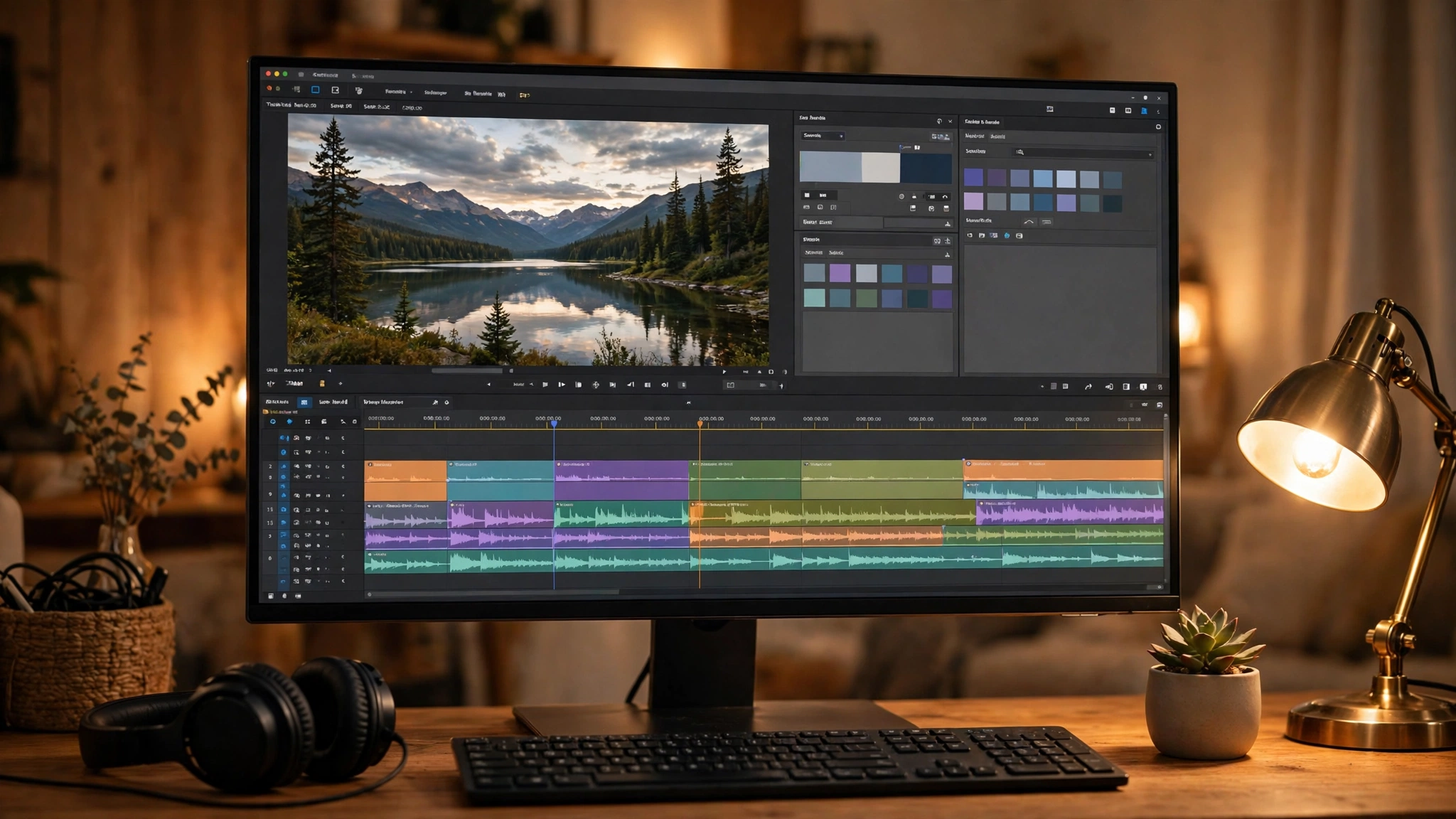
Start with the timeline. A timeline editor, where clips sit on tracks you can drag, trim, and rearrange, is the most flexible way to edit. Almost all serious editors use one. Avoid tools that only offer automatic editing or templates, unless you only ever make very short clips, because you will quickly want more control than they allow.
Exports matter as much as editing. Check what resolution and formats the editor can export, and whether the free version limits them. Most free editors now export in high definition without a watermark, but some restrict exports or add a logo unless you pay. Also check whether the editor runs on your device. A desktop editor suits long projects, while a phone app suits quick social clips. The best free video editors are the ones that fit the device you actually edit on.
Ease of use is the third thing to weigh. A powerful editor with a confusing layout can waste more time than it saves. Look for clear menus, helpful built-in guides, and a layout you understand within a few minutes of opening it. A good free editor should let you finish a simple video on your first day with it.
The Best Free Video Editors for Beginners
If you are just starting, a simple editor is the right choice. iMovie is the natural starting point for Apple users, because it is free on iPhones, iPads, and Macs and it is built around a simple timeline. You can trim clips, add titles and music, and export a finished video without learning a complicated interface. It is limited compared with professional tools, but for family videos, school projects, and short clips, it is more than enough.
CapCut is a popular free choice for beginners who make videos for social media. It runs on phones and computers, and it is built for short vertical videos, with easy tools for captions, effects, and music. It suits people who film on their phone and want to post quickly. Both of these are good examples of the best free video editors for beginners: simple to learn, quick to use, and free to export.
The Best Free Video Editors for YouTube and Serious Projects
If you make longer videos, such as YouTube videos, tutorials, or short films, you need a more capable tool. DaVinci Resolve is the best-known example among the best free video editors for serious work. It is a professional editing and colour grading tool with a free version that covers most of what a creator needs: a full timeline, colour correction, audio tools, and effects. You can read about it on the official DaVinci Resolve page.
DaVinci Resolve is powerful, and that power comes with a learning curve. The interface has more panels and options than a beginner editor, and it runs best on a reasonably capable computer. Give yourself a few days to learn the basics, and start with a short project rather than a long one. Many creators start with a simpler editor and move to DaVinci Resolve when their videos outgrow it. That is a sensible path, and the skills transfer.
The Best Free Video Editors for Simple, Open-Source Editing
Open-source editors are another good option, and they are free in the fullest sense: no account, no subscription, and no locked features. Shotcut is a well-known open-source editor that runs on Windows, Mac, and Linux. It has a proper timeline, supports a wide range of video formats, and exports without a watermark. It looks plain compared with some other editors, but it is capable and honest about what it does.
OpenShot is a similar choice, and it is often recommended for beginners who want an open-source tool. Its interface is simpler than Shotcut’s, with a clear timeline and drag-and-drop editing. It suits short projects and people who want a straightforward editor without any cost. Both Shotcut and OpenShot show what the best free video editors for open-source editing look like: free forever, available on every major system, and good enough for real projects.
Free vs Paid: Where Free Editors Stop
Free editors cover most everyday editing, but paid tools still have their place. Paid editors usually add advanced features such as motion tracking, larger effect libraries, cloud collaboration, and priority support. They also tend to update more often with new tools. If you edit videos for a living, or if you regularly need a feature that only a paid tool has, paying can be worth it.
For most people, though, a free editor is enough for a long time. The sensible test is to try the free editor first and see where it stops you. If you keep hitting the same missing feature, that is the point at which a paid tool earns its price. If you never hit that wall, the free editor is doing its job. If you do outgrow the free options, our guide to the best video editing software covers paid tools as well.
How to Pick the Right One for You
The right editor depends on what you make. If you film family videos or school projects on an Apple device, start with iMovie. If you make short social clips on your phone, try CapCut. If you make YouTube videos or longer projects and want room to grow, learn DaVinci Resolve. If you want a free editor that works on any computer and costs nothing ever, try Shotcut or OpenShot.
Whatever you choose, give it a real test before you commit. Edit a complete short video from start to finish, including the export, and see how it feels. Check the export quality, check for a watermark, and check how long the whole job takes. The best free video editors are the ones that let you finish a video without fighting the tool, and the only way to know is to try one.
Before you download any of the best free video editors, check the system requirements on the editor’s own site. Professional tools such as DaVinci Resolve need a reasonably capable computer with enough memory and a modern graphics chip, while simpler editors run happily on older machines. If your computer is a few years old, a lighter editor such as Shotcut or OpenShot may run more smoothly than a heavier one. Also check how much disk space your projects will need, because video files are large and a long project can fill a small drive quickly. If you edit on a laptop, plug in before a big export, because video editing is demanding work for a small machine and a long export can drain a battery fast. A little checking before you download saves the frustration of installing a tool your computer cannot run well.
Frequently Asked Questions About the Best Free Video Editors
Are free video editors really free?
Yes, the best free video editors are genuinely free to download and use, and the ones named in this guide export finished videos without payment. Some have paid upgrades that add extra features, but the core editing is free. Always check the export screen for a watermark or a limit before you commit to a tool.
What is the best free video editor for YouTube?
For YouTube, DaVinci Resolve is the strongest free choice, because it has a full timeline, colour tools, and audio mixing, and it exports without a watermark. It takes longer to learn than a beginner editor, so if you are just starting, begin with a simpler tool and move to DaVinci Resolve when your videos need more.
Do free video editors add a watermark?
Most of the best free video editors do not add a watermark to exported videos. DaVinci Resolve, iMovie, Shotcut, and OpenShot all export clean videos. Some apps add a watermark to certain templates or features, so check the export before you publish, and avoid any editor that marks your finished video.
Can I edit videos on my phone for free?
Yes, you can edit videos on your phone for free. CapCut is a popular free phone editor for short social clips, and iMovie is free on iPhones. Phone editors suit quick clips and social posts. For longer projects with many clips, a computer editor is usually more comfortable.
Is DaVinci Resolve hard to learn?
DaVinci Resolve has a steeper learning curve than a beginner editor, because it is a professional tool with many panels and options. The basics, cutting clips and adding titles and music, are not hard, and there are many free guides online. Start with a short project and learn one feature at a time.
Which free video editor is best for beginners?
For beginners, iMovie is the easiest choice on Apple devices, and CapCut is the easiest for social clips on a phone. OpenShot is a good simple choice on a computer. Pick the one that matches your device and the videos you make, and move to a more powerful editor only when you need it.
Choosing the best free video editors comes down to the videos you make and the device you edit on. Start simple, test the export, and pick the tool that lets you finish a video without a fight. A free editor that you actually use is worth far more than a powerful one you never open. Download one, edit a short video today, and let the result, not the feature list, decide.